Make your external monitor feel like your Mac’s display.
Brightness, Retina sharpness and scaling that work the way they do on the built-in screen, from the menu bar.

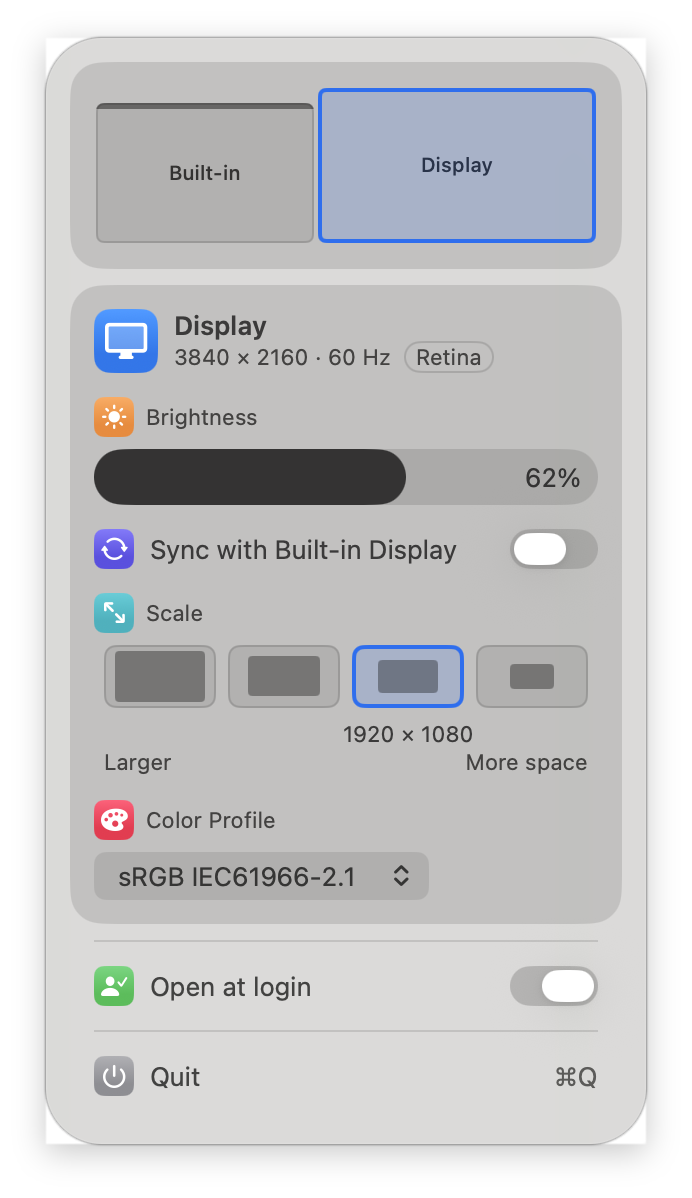
Same controls, both screens.
 Built-in display
 External monitor with Better Monitor

Brightness control
Hardware brightness slider

Retina sharpness
Retina sharpness, switched on where macOS offers none

Scaling from Larger to More space
The same Larger to More space steps

Color profile
A color profile picker for each display

Your Mac sets it
Follows the built-in display brightness
Two screens. One feel.
Brightness, sharpness and scale, matched to the screen you already like.
Free for your Mac.
Open the DMG, drag Better Monitor to Applications and open it. The icon appears in the menu bar. Requires macOS 15 or later.